Self-hosted fleet management for AI agent security.

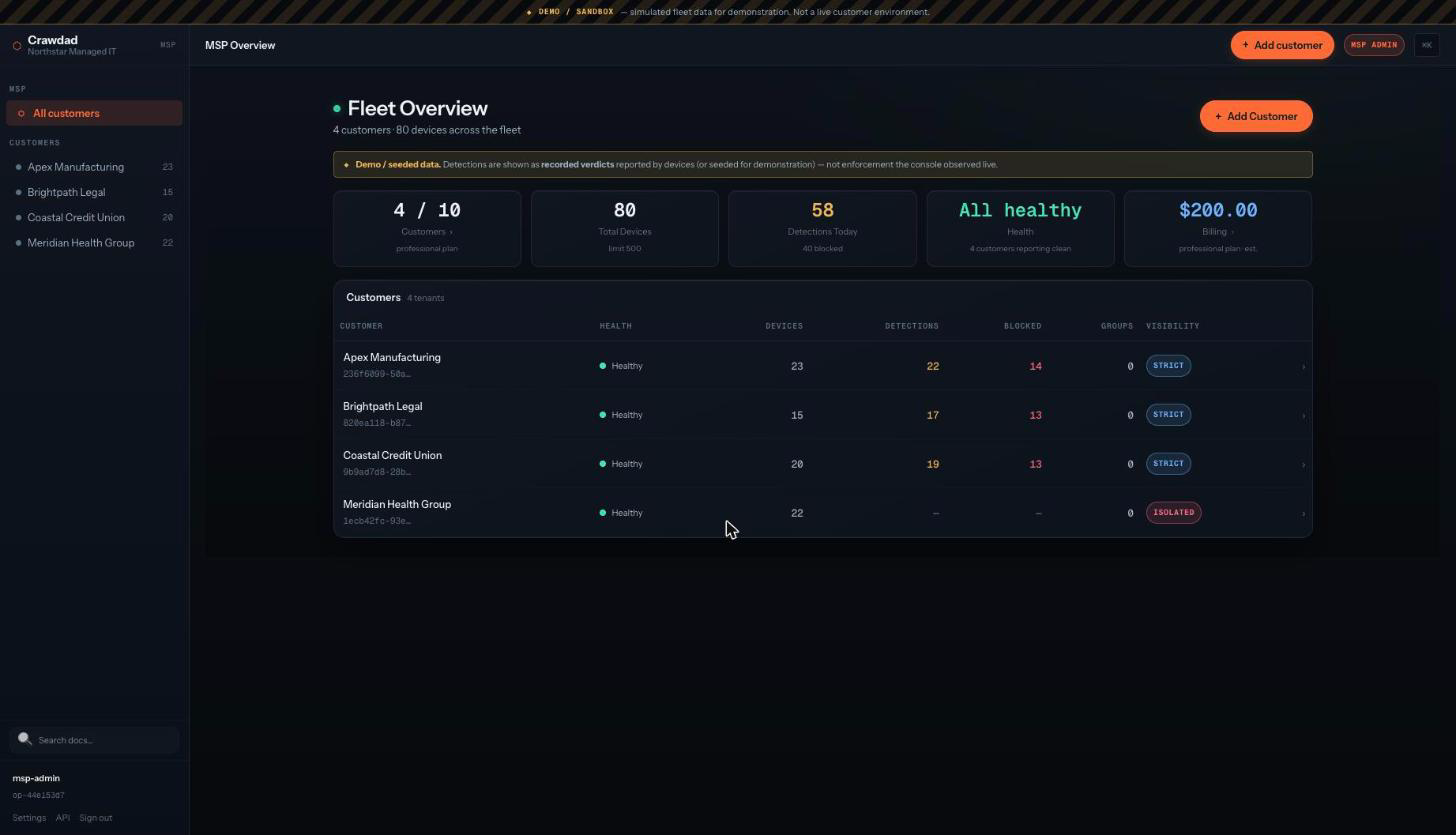
The Crawdad Fleet Console is a separately-deployed control plane for managing Crawdad installations across your organization. Scope hierarchy, policy inheritance, signed fleet commands, sealed metadata-only telemetry, RBAC, and a central audit trail. Self-hosted on your infrastructure. Deploy with one command.

deploy
# Deploy the Fleet Console and relay (internal CA auto-initializes)
$ ./init-fleet.sh

# Enroll a sidecar (use the token + URL from the console)
$ crawdad enroll --token et_... --console-url https://fleet:9000 --ca-fingerprint sha256:...

# Open the console
$ open http://localhost:9000

Local posture sharing vs. Fleet Console

Crawdad has two distinct management surfaces for different scales.

Local posture sharing

Built into every sidecar. Zero infrastructure. One sidecar acts as a posture hub, others report to it. Phone monitoring via QR pairing. Metadata-only reports over LAN. Works on the same network with no relay, no console, no enrollment.

Best for: individual developers, small teams, quick setup.

Fleet Console

Separately deployed control plane. Scope hierarchy (org/team/device), policy inheritance with provenance, 13 signed fleet commands, sealed telemetry, RBAC (viewer/operator/admin), central audit trail, mTLS enrollment via an internal CA. Deploy with docker-compose.fleet.yml.

Best for: organizations, MSPs, compliance-driven environments.

Monitor. Control. Report.

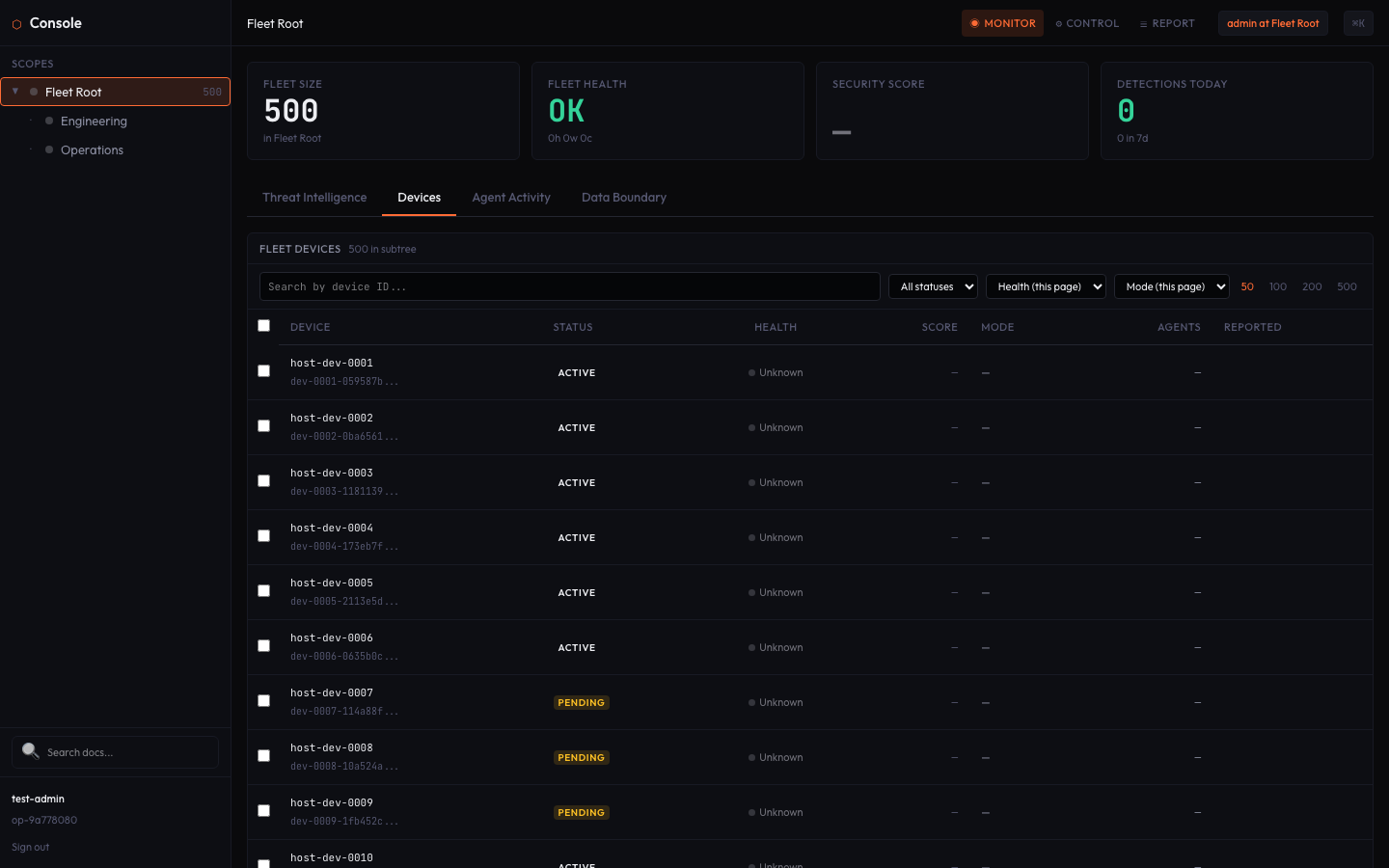
The Fleet Console dashboard has three lenses, each showing a different view of your fleet.

Monitor

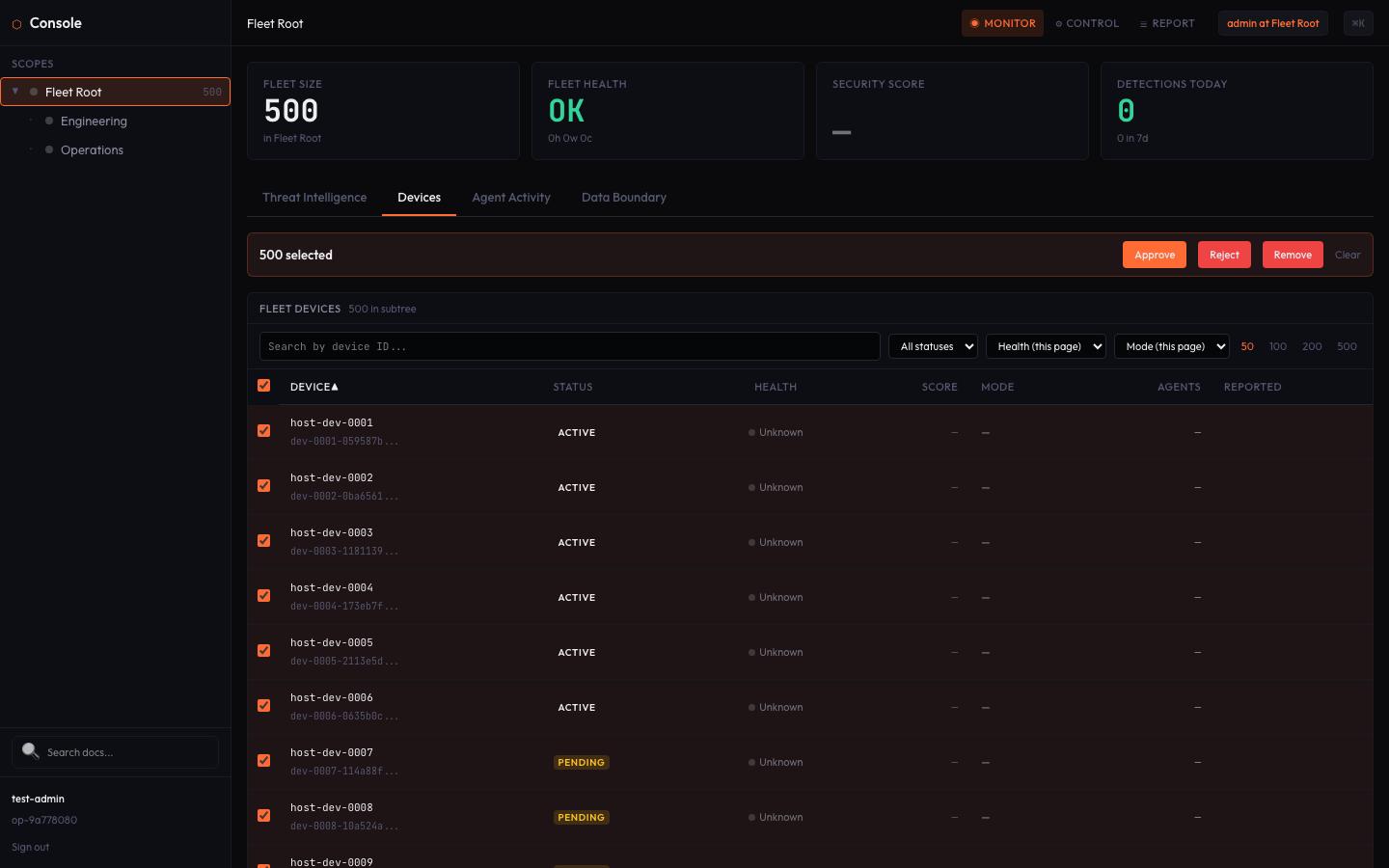
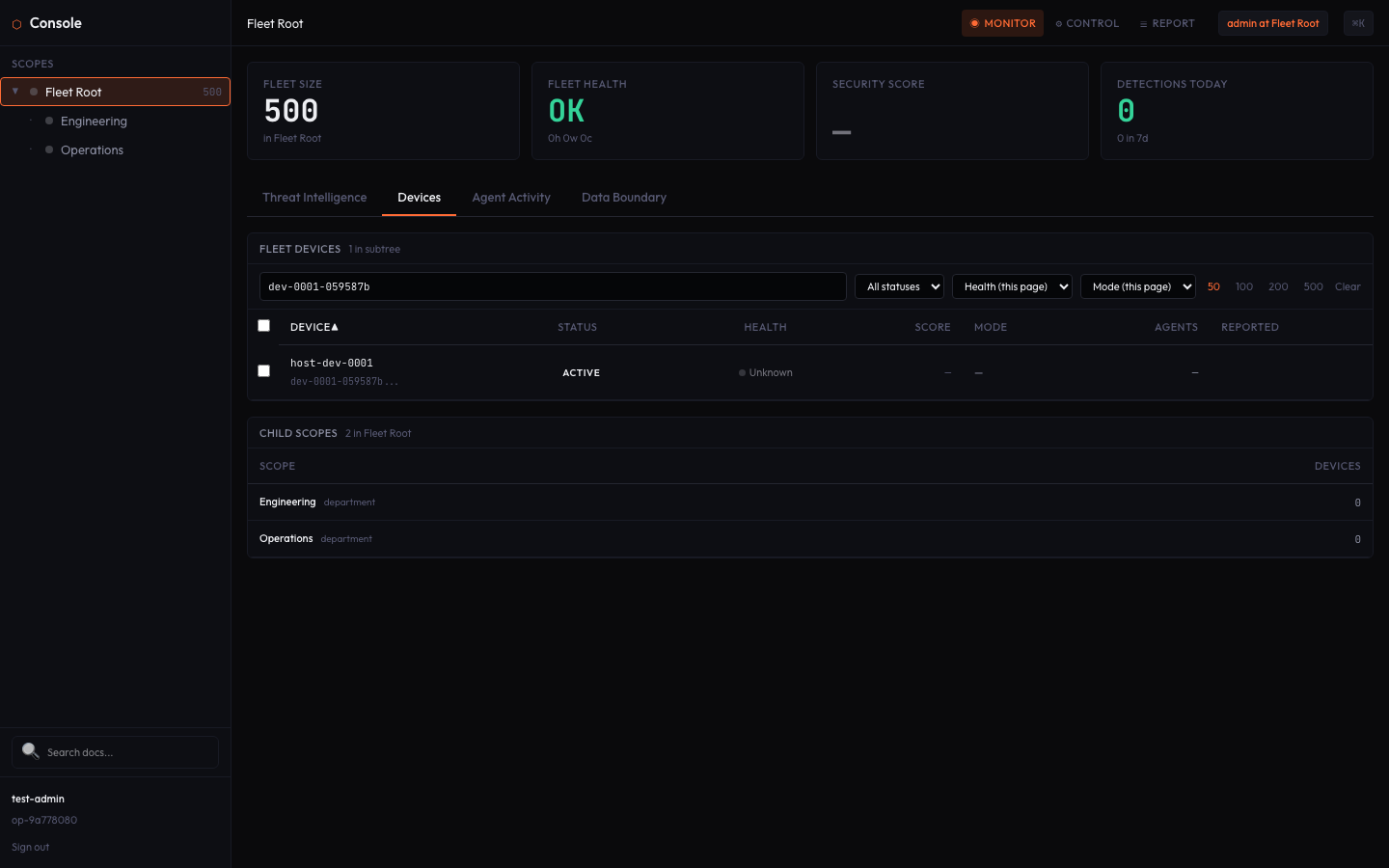
Fleet-wide posture overview. Total devices, health status, security scores, detection counts. Drill into any scope or device. Score distribution charts and health propagation from child to parent scopes.

Control

Effective policy display with full provenance — see what policy governs a device and where it came from. Set or lock templates at any scope. Issue fleet commands per-device or per-scope. Every action is signed and audit-logged.

Report

Central audit trail with actor, event type, device, and timestamp filters. Compliance snapshot export (posture + effective policy + hard-floor guarantees) as JSON or CSV. Read operations produce zero audit entries — only mutations are recorded.

What the fleet can and cannot do.

Every claim below is code-backed and tested. The fleet extends your security posture without weakening it.

The relay can't read your telemetry

Posture reports are sealed with X25519 ECDH + AES-256-GCM before leaving the sidecar. The relay routes encrypted blobs between sidecars and the console without inspecting or decrypting them. The relay holds no decryption key. Tested: relay receives gibberish blob, delivers it byte-identical.

The relay can't forge commands

Fleet commands are Ed25519-signed by the console's admin identity and verified by each sidecar against the pinned root CA. A rogue signer's command is rejected. Tampered payloads fail signature verification. Replay guard (30s freshness, nonce dedup) blocks replayed commands.

Hard floors can't be disabled

Data-exfiltration and credential-exposure protection is enforced by the sidecar before any command executes. Even a legitimately signed command from a valid administrator cannot set these categories below Block. This is enforced independently on every device — the console can't override it, and tampering on disk is corrected on startup.

One-root PKI, mTLS everywhere

One pinned root CA is the sole trust anchor. Devices enroll via the console's built-in InternalCa. The relay requires mutual TLS. Cert identity always overrides self-declared device IDs. Rejection: no client cert, wrong CA, expired cert, self-signed cert, revoked serial, impersonating CA, wrong CN format — all fail. Revocation is durable across restarts.

Content never leaves the machine

Raw content — prompts, responses, tool arguments, file contents, credentials — never leaves the machine where the sidecar runs. Telemetry is metadata-only: a closed allowlist of ~90 metadata field names passes through a mandatory chokepoint. Content keys are explicitly rejected. The aggregator validates metadata-only again after decryption — defense in depth.

Keys encrypted at rest

Device key, fleet cert, root pin, and admin identity are stored encrypted via AES-256-GCM through the HardenedStore. On macOS, the master key lives in the Keychain (PROTECTED tier). On Linux, systemd-creds with TPM2 or host-key sealing. Tests verify no plaintext on disk.

Self-hosted or MSP-managed. Same trust model.

The Fleet Console supports two deployment topologies. In both, the same security properties hold. What varies is who holds the metadata-only posture data.

Client self-hosted

The organization runs its own Fleet Console and relay, with the console's built-in internal CA. All metadata-only posture stays on the client's infrastructure. Crawdad's cloud sees neither content nor posture.

MSP-aggregated

A managed security provider runs the console and relay for multiple clients. Each client's data is scoped. The MSP holds the metadata-only posture for their clients. Crawdad's cloud sees neither content nor posture in this topology either.

The metadata trust boundary: Crawdad's cloud sees neither content nor posture in any topology. What varies between topologies is whether the client or their MSP holds the metadata-only posture data. In all cases, raw content — prompts, responses, tool arguments, file contents — stays on the machine where the sidecar runs.

13 commands. Every one signed and verified.

Every fleet command follows a 5-step verification chain before the sidecar executes it: certificate chain → Ed25519 signature → replay guard → target device check → hard floor enforcement.

# Command Scope What it does
1set_trust_levelPer-agentSet agent trust (autonomous/monitored/restricted/quarantined)
2set_dispositionPer-categorySet detection category disposition (block/block-and-quarantine/arbiter-gated)
3set_modePer-deviceSet protection mode (maximum/standard/reduced/paused)
4set_restrictionsPer-agentSet tool/path restrictions for a specific agent
5set_ml_thresholdPer-deviceSet ML classifier confidence threshold
6set_sensitive_patternsPer-deviceConfigure sensitive-source path/content patterns
7set_anonymize_toolsPer-deviceEnable/disable tool-name anonymization
8set_auto_recoveryPer-agentEnable/disable automatic trust recovery after dwell time
9run_test_batteryPer-deviceFire 24-payload adversarial test battery remotely
10deploy_fleet_policyPer-devicePush fleet-wide protection policy (min mode, pause control)
11push_kdl_policyPer-deviceDeploy KDL capability policy to device
12decommissionPer-agentPermanently deactivate agent identity (audit preserved)
13unenrollPer-deviceRemove device from fleet (reverts to standalone)

Commands blocked by hard floors: disable_protection, set_mode_off, lower_hard_floor, and any attempt to set data-exfiltration or credential-exposure disposition below Block.

Deploy the Fleet Console

The Fleet Console ships as part of the Crawdad workspace. Deploy with Docker Compose, enroll your sidecars, open the console.

fleet deploy
# Clone and deploy
$ git clone https://github.com/AndrewSispoidis/crawdad
$ docker-compose -f docker-compose.fleet.yml up -d

# Enroll a sidecar (use the command from the console)
$ crawdad enroll --token et_TOKEN \
    --console-url https://console:9000 \
    --ca-fingerprint sha256:FINGERPRINT

# Open the Fleet Console
$ open http://localhost:9000

The console runs on port 9000 with an embedded React dashboard. The relay runs on port 8800 with mTLS. The console's built-in internal CA handles certificate issuance and renewal. All components are self-hosted on your infrastructure.

Deploy your fleet → Console guide →